
Key facts
- Brand
- Casio
- Model
- TE-M80
- Industry
- Electronics
- Documents
- 3
- Languages
- EN · JA
- Last added
- 2012-05-02
Start here
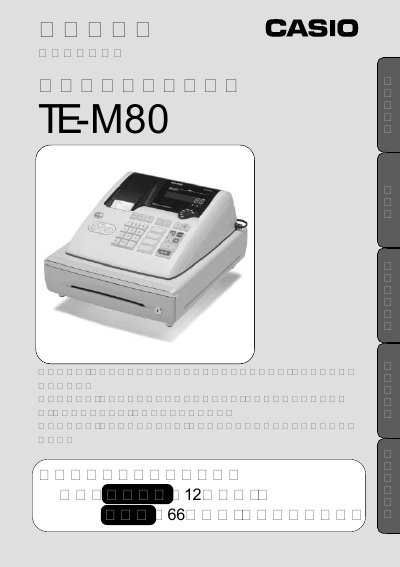
Casio TE-M80 Cash Register Operating Instructions
This manual provides step-by-step instructions for operating the Casio TE-M80 cash register. It includes safety precautions, setup procedures for date and time, tax calculations, and transaction handling. Sections cover basic operations, error correction, closing procedures, and maintenance. The manual also explains how to configure pricing, discounts, rounding, and tax settings, as well as how to handle receipts and departmental labels. This manual is written in Japanese.
Read onlineCasio TE-M80 specifications
| Memory protection batteries | 3 x AA batteries |
|---|---|
| Paper type | 57 mm thermal paper |
| Company logo line length | 24 characters per line, up to 5 lines |
Source: Casio TE-M80 User Manual
All Casio TE-M80 documents by type
Day-to-day operation, settings and troubleshooting. Start here if the product is already set up.
Questions answered in these manuals
How do I install the memory protection batteries?
Open the printer arm, lift the battery cover, insert three AA batteries, and replace the cover.
From: Casio TE-M80 User Manual
How can I program the company logo on the receipt?
Insert the PGM key, turn to PGM position, press 2, select the line number, type the text, then press CA/AMT TEND to save and SUBTOTAL to finalize.
From: Casio TE-M80 User Manual
How do I insert the memory protection batteries?
Open the printer arm, lift the battery cover, insert three AA batteries, and replace the cover.
How can I program a company logo on the receipt?
Insert the PGM key, turn to PGM mode, press 2, select the line number, type the text, press CA/AMT TEND to save, then press SUB TOTAL to finalize.
What is the model of the cash register?
The model is Casio TE-M80.
What is the purpose of the customer-facing display?
It allows customers to simultaneously confirm the amount.