
Key facts
- Brand
- Casio
- Model
- TK-3200
- Category
- Office Equipment
- Industry
- Computers
- Documents
- 2
- Languages
- EN
- Last added
- 2012-05-05
Start here
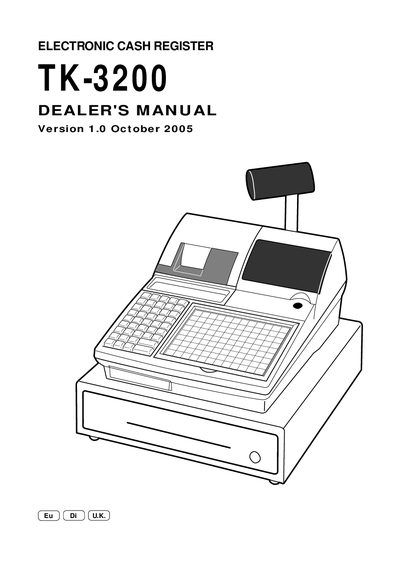
Casio TK-3200 Electronic Cash Register Dealer Manual
This dealer's manual covers the hardware configuration, system setup, and programming procedures for the Casio TK-3200 electronic cash register. It includes detailed instructions for initializing the terminal, loading IPL data via COM1 or CF card, and configuring peripheral ports.
The document also describes the address code structure, report generation, file formats, and various utility functions such as batch maintenance, Euro switching, and time‑and‑attendance features. Appendices provide font tables, calculation methods, and file record formats.
All Casio TK-3200 documents by type
Disassembly, diagnostics and part numbers, for repair.
Questions answered in these manuals
Where can the full TK-3200 manual be downloaded?
The full manual is available at the checkout tech website.
How can the initial program be loaded via the COM1 port?
The manual describes loading the IPL data from a PC to the register through the COM1 port.
What is the procedure to clear flags on the TK-3200?
Flag clear operation is performed as part of the machine initialization procedure.