
Key facts
- Brand
- Casio
- Model
- TE-2400
- Category
- Office Equipment
- Industry
- Computers
- Documents
- 2
- Languages
- EN
- Last added
- 2012-05-05
Start here
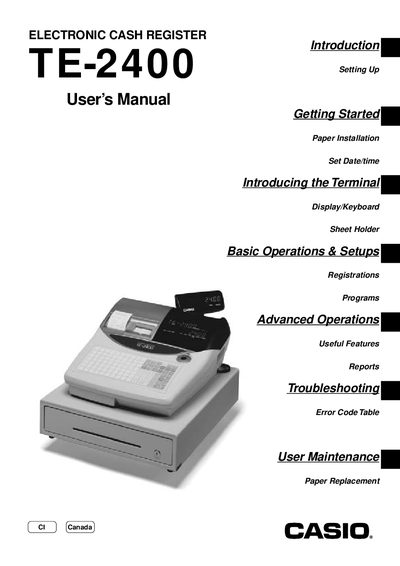
Casio TE-2400 Electronic Cash Register User Manual
This manual covers everything needed to get the Casio TE-2400 cash register up and running, from unpacking and installing batteries to connecting power and loading receipt/journal paper. It walks you through basic functions such as date/time setup, clerk registration, and sales transactions.
Advanced features like discount programming, coupon handling, check tracking, and foreign‑currency transactions are explained, along with troubleshooting tips, error codes, and routine maintenance procedures such as paper replacement and battery checks.
All Casio TE-2400 documents by type
Day-to-day operation, settings and troubleshooting. Start here if the product is already set up.
Questions answered in these manuals
How do I set the date and time on the TE-2400?
Insert the mode key marked “PGM”, turn it to the “REG” position, then select the options to set the date and set the time.
How do I replace the receipt or journal paper?
Open the paper compartment and follow the instructions to replace the journal paper, then replace the receipt paper as needed.
How do I install receipt or journal paper in the TE-2400?
Remove the cash register from its box, then install the receipt/journal paper as instructed.
How do I set the date and time on the TE-2400?
Insert the mode key to the REG position, then use the menu to set the date and time.