
Key facts
- Brand
- Casio
- Model
- 5611
- Category
- Watches
- Industry
- Appliances
- Documents
- 2
- Languages
- FR · EN
- Last added
- 2026-10-22
Start here
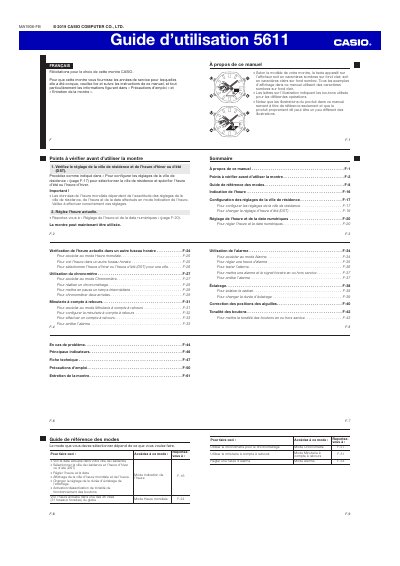
CASIO 5611 Watch User Manual
This manual provides instructions for the CASIO 5611 watch, a timepiece featuring analog hands and a digital display. It covers basic operations such as setting the time and date, adjusting the home city and Daylight Saving Time (DST), and using the backlight. The guide explains how to navigate between different modes using the watch's buttons. This manual is written in French.
Read onlineCASIO 5611 specifications
| Display type | Analog hands and digital display |
|---|---|
| World time cities | 48 cities |
| Time zones supported | 31 time zones |
Source: CASIO 5611 Watch User Manual
All CASIO 5611 documents by type
Day-to-day operation, settings and troubleshooting. Start here if the product is already set up.
Questions answered in these manuals
How do I check the current time in a different time zone?
Access the World Time mode and select the desired city to view its current time.
How do I move the hands out of the way to see the digital display?
Press B and C at the same time to cause the hour and minute hands to move to a location where they do not block your view of the digital display.
What happens if I do not operate the watch for a while?
If you do not perform any operation for about two or three minutes while configuring settings, the watch will exit the setting operation and return to normal display.