
Key facts
- Brand
- Casio
- Model
- TE-4000F
- Category
- Office Equipment
- Industry
- Electronics
- Documents
- 2
- Languages
- EN
- Last added
- 2012-05-05
Start here
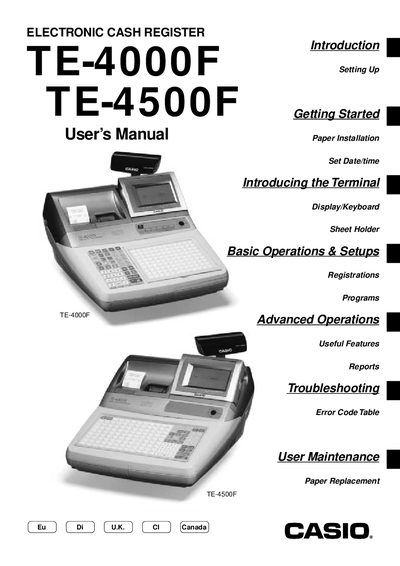
Casio TE-4000F/4500F User Manual
This manual covers everything needed to install and start using the TE-4000F/4500F electronic cash register, including hardware setup, date/time configuration, and receipt‑paper installation. It also explains the display, keyboard layout, and sheet‑holder functions specific to each model.
Further sections detail basic and advanced operations such as clerk management, PLU programming, discounts, mixed tender handling, report printing, and error troubleshooting. User maintenance topics like paper replacement and optional features are also included.
All Casio TE-4000F documents by type
Day-to-day operation, settings and troubleshooting. Start here if the product is already set up.
Questions answered in these manuals
How do I set the date and time on the TE-4000F/4500F?
Insert the mode key marked “OW” into the mode switch, then use the menu to set the date and time.
How can I replace the receipt‑journal paper?
Open the cash register, remove the old paper, and install new receipt‑journal paper as described in the manual.
How do I set the date and time on the TE-4000F/4500F?
Insert the mode key marked “OW” into the mode switch, then select the menu options to set the date and time.
From: Casio TE-4000F/4500F Electronic Cash Register User Manual
How can I replace the receipt paper?
Follow the user maintenance steps to replace the receipt paper in the cash register.
From: Casio TE-4000F/4500F Electronic Cash Register User Manual