
Key facts
Start here
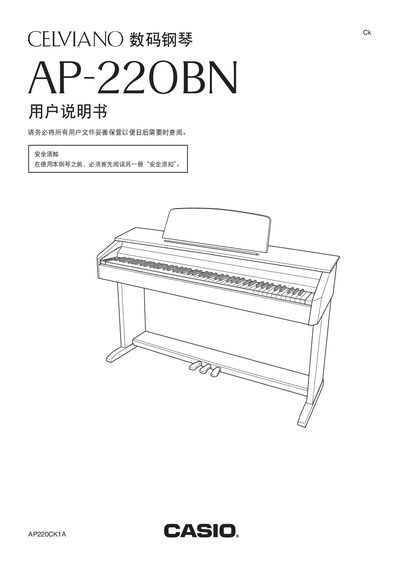
CASIO PA-220BN user manual
This manual covers every aspect of the AP‑220BN digital piano, from unpacking and assembling the stand to connecting headphones, external audio equipment, and a computer via USB. Detailed sections explain how to select and blend the 16 built‑in tones, adjust brightness, reverb, chorus, and use the metronome, recording functions, and MIDI capabilities.
Safety guidelines, power requirements, and a full specifications table are included, along with a troubleshooting chapter that helps resolve common issues such as power‑up problems, transformer usage, and key‑response concerns. This manual is written in Chinese.
Casio 20B specifications
| Intended Use | walking during normal daily life and during light jogging |
|---|---|
| Stride Length Range | 30cm to 180cm |
| Weight Range | 20 kg to 120 kg |
| Battery Replacement Interval | at least once every 3 years |
All Casio 20B documents by type
Day-to-day operation, settings and troubleshooting. Start here if the product is already set up.
Questions answered in these manuals
How do I reset the step count?
Press the RESET button to reset the number of steps to '0'.
What conditions prevent accurate counting?
The pedometer cannot count correctly during irregular walking, shuffling feet, or activities like climbing stairs.
Where does this clock receive time calibration signals?
It receives signals from transmitters in Mainflingen, Germany and Rugby, England.
How long does a signal reception operation take?
A signal receive operation takes from two to fourteen minutes under good signal conditions.
How can the auto‑power‑off function be disabled?
Hold the power button while turning the unit on; the auto‑power‑off will not operate.
How many instrument sounds are available?
The piano provides five selectable instrument sounds.