
Key facts
Start here
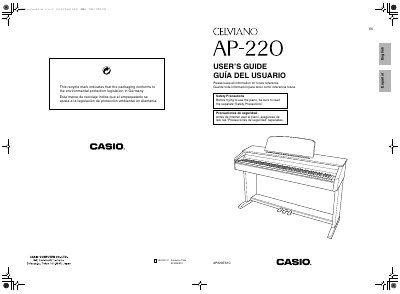
Casio AP-220 Digital Piano User's Guide
The Casio Celviano AP-220 is a digital piano that features multiple tones including Modern Piano, Classic Grand Piano, and Electric Piano. It supports layering two tones simultaneously and includes built-in effects such as Reverb and Chorus to enhance the sound.
Users can connect the instrument to headphones, audio equipment, or a computer via USB for recording and playback. The manual details how to use the pedals, metronome, and various configuration settings like transpose, tuning, and touch response.
All Casio AP-220 documents by type
Day-to-day operation, settings and troubleshooting. Start here if the product is already set up.
Questions answered in these manuals
Which AC adaptor should be used with the AP-220?
You must use only the specified CASIO AD-A12150LW adaptor to avoid malfunction.
How do I select a tone on the digital piano?
Hold down the FUNCTION button while pressing the keyboard key assigned to the desired setting.