
Key facts
- Brand
- Casio
- Model
- 3135MO0802-CkA
- Category
- Watches
- Industry
- Appliances
- Documents
- 2
- Languages
- ZH
- Last added
- 2023-01-11
Start here
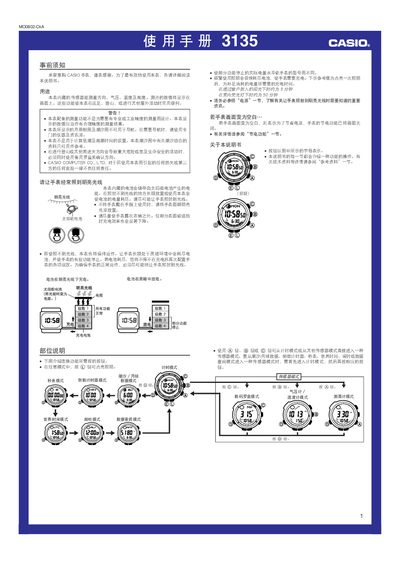
CASIO 3135MO0802-CkA Watch User Manual
This manual provides instructions for the CASIO 3135MO0802-CkA watch, which features built-in sensors for measuring direction, atmospheric pressure, temperature, and altitude. It details how to use these functions for outdoor activities such as hiking and climbing, while noting that the data is for reference only and not for professional navigation or precise industrial measurement.
The guide covers essential setup procedures, including how to set the time, date, and local city code, as well as configuring Daylight Saving Time. It also explains the operation of various modes such as the stopwatch, countdown timer, world time, and alarm, along with instructions for using the backlight and managing the solar-powered battery. This manual is written in Chinese.
CASIO 3135MO0802-CkA specifications
| Measurement Accuracy (Compass) | ± 11 degrees |
|---|---|
| Compass Update Duration | Up to 20 seconds |
| Power Source | Solar battery |
All CASIO 3135MO0802-CkA documents by type
Day-to-day operation, settings and troubleshooting. Start here if the product is already set up.
Questions answered in these manuals
Can the watch be used for professional navigation?
No, the manual states that the displayed lunar phase and tidal charts cannot be used for navigation and a dedicated instrument should be used.
How long does the compass measurement take?
The measurement updates every second for a maximum duration of 20 seconds before stopping automatically.
How do I enable or disable the automatic illumination feature?
In timing mode, hold the L button for about 3 seconds to toggle automatic illumination on (A.EL appears) or off (A.EL disappears).
What lighting time is needed to fully charge the watch?
Approximately 5 minutes of bright outdoor sunlight or about 50 minutes under indoor fluorescent lighting will fully charge the battery.