
Key facts
- Brand
- Casio
- Model
- FX-82AU
- Industry
- Electronics
- Documents
- 3
- Languages
- EN
- Last added
- 2012-05-02
Start here
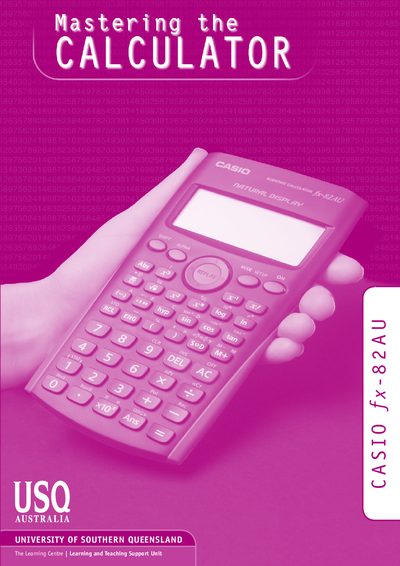
Casio fx-82AU Calculator User Manual – Mastering the Calculator
This booklet, prepared by the Learning and Teaching Support Unit at the University of Southern Queensland, helps students learn to operate the Casio fx-82AU calculator. It covers essential keys, mode settings, and step‑by‑step procedures for common calculations.
The manual includes sections on arithmetic operations, fractions, factorials, memory use, statistics, trigonometric functions, and exercise solutions, providing both instruction and practice examples for students.
All Casio FX-82AU documents by type
Day-to-day operation, settings and troubleshooting. Start here if the product is already set up.
Questions answered in these manuals
How do you clear all values on the fx-82AU?
Press the SHIFT key followed by the "cuR" key.
From: Casio fx-82AU Calculator User Manual – Mastering the Calculator
How do you set the calculator to degree mode?
Press SHIFT, then MODE SETUP, and then press 3; a "D" will appear on the screen.
From: Casio fx-82AU Calculator User Manual – Mastering the Calculator
How do I switch the calculator to statistical mode?
Press the A key (after accessing the setup menu) to put the calculator into statistical mode.
How can I change the decimal display to normal format?
Change the default setting so that small decimal answers are shown in decimal format rather than exponent format.