
Casio EX-Z70 Digital Camera User's Guide

This manual introduces the usage of CASIO EX-Z70 digital camera.
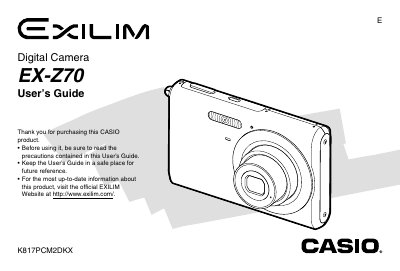

Casio EX-Z70 Digital Camera User's Guide - cover page
Brand
Casio
Category
Digital cameras
Document type
User Manual
Language
English
Pages
239
File format
PDF
File size
5.5 MB
Published
06 June, 2012
Updated
30 September, 2023
Model
EX-Z70
MD5 checksum
18726C5FF76EA8E88E8D7B148FCA7DA9

About this manual

The Casio EX-Z70 is a compact digital camera featuring various shooting modes including Easy Mode, Best Shot, and Business Shot. It supports optical zoom, digital zoom, and multiple flash settings to capture images in diverse lighting conditions. The device also allows for movie recording with audio and offers features like continuous shutter and focus lock.

What's inside

  • Introduction
  • Recording an Image
  • Using the Flash
  • Selecting the Focus Mode
  • Configuring White Balance
  • Recording a Movie
  • Basic Playback Operation
  • Deleting Files
  • File Management
  • Specifications

Specifications

Dimensions (Camera)95.2(W) x 60.6(H) x 19.8(D) mm
Weight (Camera)Approximately 118 g
Battery TypeRechargeable lithium ion battery (NP-20)

Frequently asked questions

What is the full charge time for the battery?

The approximate full charge time is 90 minutes.

Can I record audio with my snapshots?

Yes, you can add audio to a snapshot or record your voice separately.

Download PDF (5.5 MB)

More Casio Manuals


View all Casio manuals →