
This manual introduces the basic functions and usage methods of the Canon EX-Z70 digital camera, including turning on, turning off, charging, taking pictures, and recording videos. It also provides detailed operation steps.
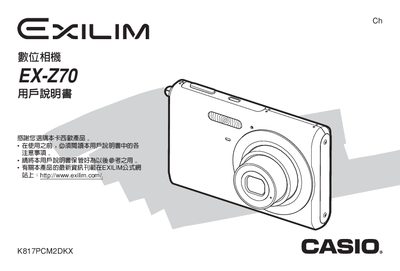
The Casio EX‑Z70 digital camera user manual provides step‑by‑step instructions for setup, basic and advanced shooting functions, playback, and file management. It also includes safety information, battery handling, and troubleshooting tips.
Additional sections cover language configuration, USB connectivity, power requirements, and detailed technical specifications such as dimensions, weight, battery type, and operating temperature.
| Dimensions | 95.2 mm × 60.6 mm × 19.8 mm |
|---|---|
| Weight (without battery and accessories) | 118 g |
| Battery capacity | 700 mAh |
| Battery voltage | 3.7 V |
| Power consumption | 3.7 V DC, 4.3 W |
| Power input | 100‑240 V AC, 80 mA, 50/60 Hz |
| Output voltage/current | 4.2 V DC, 600 mA |
| Full charge time | ≈90 minutes |
Charge the battery with the supplied charger before first use and whenever the battery level is low.
Select the language option in the camera’s menu to switch the display language.
The battery capacity is 700 mAh.