
Key facts
- Brand
- Casio
- Model
- EX-Z60DX
- Category
- Digital cameras
- Industry
- Electronics
- Documents
- 2
- Languages
- IT · EN
- Last added
- 2011-09-20
Start here
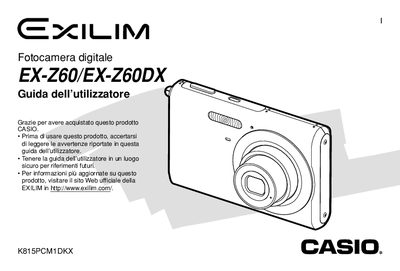
Casio EX-Z60/EX-Z60DX User Manual
This manual covers everything you need to know about the EX‑Z60 and EX‑Z60DX digital cameras, from unboxing and checking the included accessories to configuring basic settings such as language, date, and power options. It explains how to charge the lithium‑ion battery, use the supplied USB base or charger, and insert and format memory cards.
Detailed sections describe image capture modes, zoom, flash, focus, and special shooting functions like BEST SHOT and Business Shot. The guide also explains playback, file management, printing options, and how to connect the camera to a Windows or Macintosh computer for image transfer and editing. This manual is written in Italian.
Casio EX-Z60DX specifications
| Battery voltage | 3.7 V |
|---|---|
| Battery capacity | 700 mAh |
| Dimensions | 33 × 30 × 4.7 mm |
| Weight | 16 g |
| Power input voltage range | 100‑240 V AC, 60 Hz |
| Power consumption | 4.3 W |
All Casio EX-Z60DX documents by type
Day-to-day operation, settings and troubleshooting. Start here if the product is already set up.
Questions answered in these manuals
How can I print photos directly from the camera?
Use the PictBridge or USB Direct‑Print function to send images to a compatible printer.