
This document is the User's Guide for the E Digital Camera EX-Z70, which describes the features of the product and provides precautions.
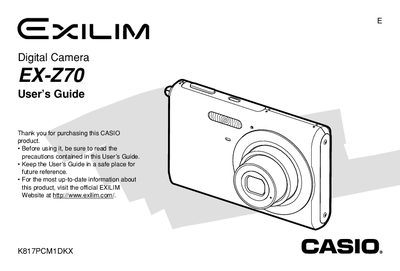
The Casio EX-270 is a compact digital camera featuring an optical zoom lens, flash assist functionality, and various shooting modes including Business Shot and Best Shot. The device supports both built-in memory and optional memory cards for storing images and movies.
This User's Guide details how to charge the NP-20 battery, configure display settings, record still images and audio snapshots, play back media on the camera or a TV screen, and transfer files to a computer using USB cables or the included USB Cradle.
| Dimensions (excluding projections) | 95.2(W) x 60.6(H) x 19.8(D) mm |
|---|---|
| Battery Type | Rechargeable lithium ion battery (NP-20) |
The full charge time is approximately 90 minutes.
You can use the AV Cable or the optional CA-32 USB Cradle/AC Adaptor.
The battery operates within a range of 0°C to 40°C (32°F to 104°F).