
This document is a user manual for the K809FCM1DMX Ck digital camera EX-Z600, which introduces the features and precautions of the product.
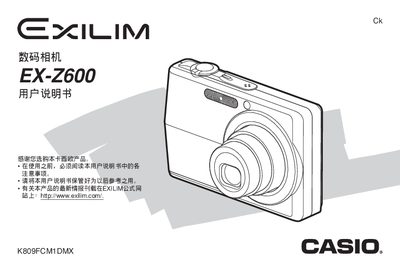
This manual covers everything you need to start using the EX‑Z600, including safety notices, power and battery handling, basic shooting functions, playback, and menu navigation. It explains how to configure display language, set the clock, and use various shooting modes such as Auto Focus, Manual Focus, Best Shot, Business Shot, and video recording.
Advanced sections describe custom settings like ISO sensitivity, white balance, exposure compensation, and filter use, as well as file management, PictBridge/USB direct‑print, connecting the camera to Windows or Macintosh computers, troubleshooting, and the full technical specifications of the device. This manual is written in Chinese.
| Power input | 100‑240 V AC, 50/60 Hz, 383 mA |
|---|---|
| Power output | 5.3 V DC, 650 mA |
| Dimensions | 50 mm W × 20 mm H × 70 mm D |
| Weight | ≈90 g |
Refer to the “如何对电池进行充电” section for step‑by‑step charging instructions.
Use the “显示语言及时钟设定” menu to select the desired language and adjust the date and time.
See the “相机如何与Windows电脑配合使用” section for details on USB connection and required drivers.
The camera measures 50 × 20 × 70 mm and weighs about 90 g.