
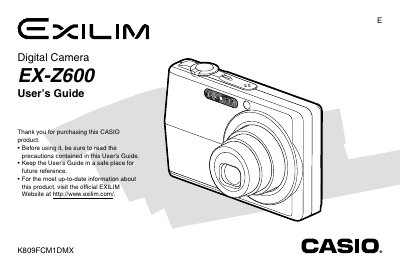
This is a user's guide that describes the features and precautions of the E Digital Camera EX-Z600.
This manual provides instructions for using the CASIO EX-Z600 digital camera. It covers initial setup, including checking included items like the NP-40 battery and USB cable, as well as attaching the strap and loading the battery.
The guide details how to record still images and movies, adjust settings such as white balance and exposure compensation, use various modes like Best Shot and Macro, and manage files on built-in memory or a memory card. It also explains how to view images on a TV screen using PictBridge or transfer them to a computer.
| Power Requirement (AC Adaptor) | 100 to 240V AC, 50/60Hz, 83 mA |
|---|---|
| Battery Type | Rechargeable Lithium ion Battery (NP-40) |
The camera includes a Rechargeable Lithium ion Battery model NP-40.
You can display camera images on a TV screen by selecting the Video Output System.