
This is a user manual for a digital camera
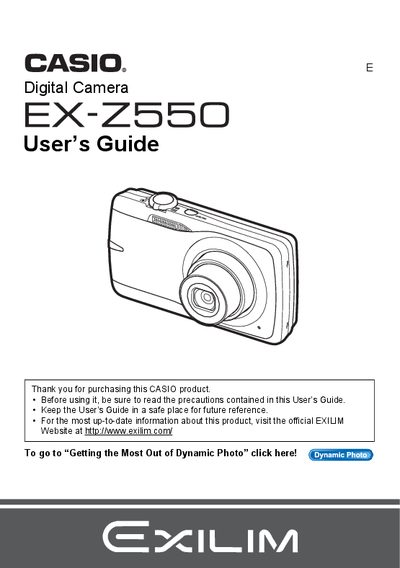
This document is the official User's Guide for the Casio EX-Z550 digital camera. It provides comprehensive instructions on unpacking the device, charging the NP-80 battery, and configuring initial settings such as memory card formatting and date/time styles.
The guide details how to operate the camera in various modes, including snapshot shooting with auto focus, face detection, and best shot scenes. It also covers advanced features like Dynamic Photo, movie recording, image editing functions (red-eye correction, resizing), printing via PictBridge, and transferring files to Windows or Macintosh computers.
| Battery Type | Rechargeable lithium ion battery (NP-80) |
|---|---|
| Charger Unit | BC-81L |
The manual lists 'Supported Memory Cards' in the preparation section, though specific formats are not detailed in the provided text.
You can load and format (initialize) a new memory card before using it to ensure compatibility with the camera.
Yes, the EX-Z550 allows you to shoot a snapshot while shooting a movie.