
Key facts
- Brand
- Casio
- Model
- EX-Z19
- Category
- Digital cameras
- Industry
- Electronics
- Documents
- 4
- Languages
- EN · JA
- Last added
- 2012-06-06
Start here
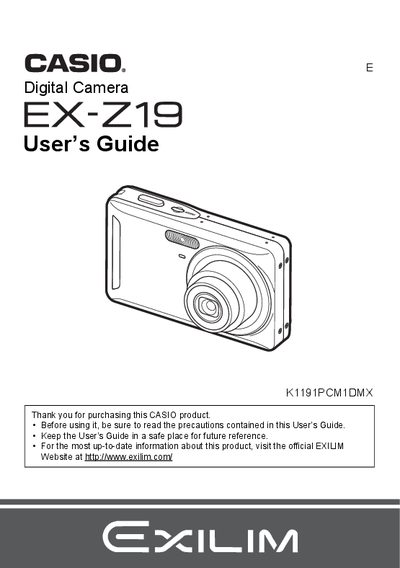
Casio EX-Z19 Digital Camera User's Guide
The Casio EX-Z19 is a digital camera designed for capturing snapshots and recording movies. This manual explains how to charge the NP-60 battery, load memory cards, and use various shooting modes such as Face Detection, Anti Shake, and BEST SHOT. It also details advanced settings like ISO sensitivity, white balance control, and image quality adjustments.
Read onlineCasio EX-Z19 specifications
| Battery Type | Rechargeable lithium ion battery (NP-60) |
|---|---|
| Charger Input Power | 100 to 240 V AC, 80 mA, 50/60 Hz |
| Charging Time | 90 minutes |
All Casio EX-Z19 documents by type
Day-to-day operation, settings and troubleshooting. Start here if the product is already set up.
Questions answered in these manuals
What is the operating temperature range for the camera battery?
The operating temperature for the NP-60 battery is 0 to 40°C (32 to 104°F).
How long does it take to charge the NP-60 battery?
It takes approximately 90 minutes to fully charge the battery.
What is the rated voltage of the NP-60 battery?
The rated voltage for the rechargeable lithium ion battery (NP-60) is 3.7V.
How long does it take to charge the NP-60 battery?
It takes 90 minutes to fully charge the rechargeable lithium ion battery (NP-60).
How do I charge the battery?
Connect the battery to the BC‑60L charger; a full charge takes about 90 minutes.
What is the operating temperature range for the battery?
The battery can be used from 0 °C up to 40 °C.