
Key facts
- Brand
- Casio
- Model
- EX-Z150
- Category
- Digital cameras
- Industry
- Electronics
- Documents
- 4
- Languages
- EN · JA
- Last added
- 2012-06-06
Start here
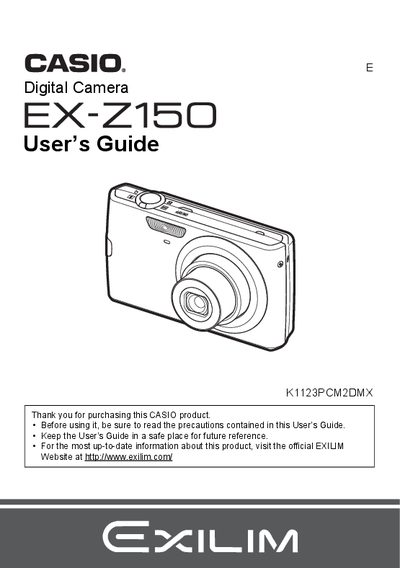
Casio EX-Z150 Digital Camera User's Guide
The Casio EX-Z150 is a digital camera that stores images on a memory card, allowing users to record and delete images repeatedly. The device includes features such as face detection, anti-shake technology, and various snapshot modes including Best Shot for specific scenes.
This User's Guide covers the complete operation of the camera, from initial setup like charging the NP-70 battery and formatting memory cards to advanced settings like adjusting white balance, ISO sensitivity, and image quality. It also details how to view images on a TV screen, transfer files to a computer, and print snapshots using DPOF.
Casio EX-Z150 specifications
| Battery Type | Rechargeable lithium ion battery (NP-70) |
|---|---|
| Charger Model | BC-70L |
| Battery Rated Voltage | 3.7V |
| Battery Rated Capacitance | 1050 mAh |
All Casio EX-Z150 documents by type
Day-to-day operation, settings and troubleshooting. Start here if the product is already set up.
Questions answered in these manuals
What battery is required for this camera?
The camera requires a Rechargeable lithium ion battery (NP-70).
How long does it take to charge the battery?
It takes approximately 130 minutes to fully charge the battery using the supplied charger.
What is the rated voltage of the NP-70 battery?
The rated voltage for the rechargeable lithium ion battery (NP-70) is 3.7V.
How long does it take to charge the NP-70 battery using the BC-70L charger?
The charging time for the rechargeable lithium ion battery (NP-70) is 130 minutes.
What is the operating temperature range for the camera?
The camera can be used in ambient temperatures from 0 °C up to 40 °C.
How can I format the internal memory?
Select the “格式化内置記憶” option in the menu to format the built‑in memory.