
Key facts
- Brand
- Casio
- Model
- EX-Z120
- Category
- Digital cameras
- Industry
- Electronics
- Documents
- 3
- Languages
- EN
- Last added
- 2012-06-06
Start here
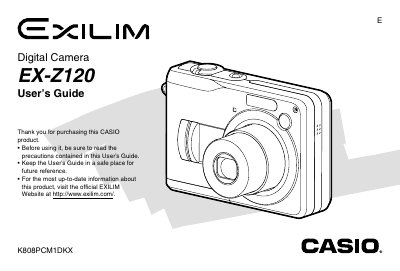
Casio EX-Z120 Digital Camera User's Guide
The Casio EX-Z120 is a digital camera featuring a 2.0-inch TFT color LCD monitor with 84,960 pixels (354 x 240) resolution and an optical viewfinder. It supports various recording modes including Snapshot, Movie, Business Shot, and ID Photo recording, as well as continuous shooting and voice recording capabilities.
Read onlineCasio EX-Z120 specifications
| Monitor Screen Resolution | 84,960 pixels (354 x 240) |
|---|---|
| Power Supply | Two AA-size alkaline batteries |
| USB Interface | USB 2.0 (Full-Speed) |
| Weight | Approximately 138 g |
All Casio EX-Z120 documents by type
Day-to-day operation, settings and troubleshooting. Start here if the product is already set up.
Questions answered in these manuals
What type of memory card does the camera use?
The camera uses an SD Memory Card for storage.
What power source is required to operate the camera?
The camera requires two AA-size alkaline batteries, rechargeable nickel-metal hydride batteries, or lithium batteries.
How do I replace the battery?
Open the battery compartment and replace the AA‑type rechargeable battery with a compatible HR‑3UF battery.
How can I connect the camera to a computer?
Use the built‑in USB 2.0 port to connect the camera to a computer for data transfer.
How do I set the date and time on the camera?
Use the clock settings menu to adjust the current time, date, and time‑zone format.
How can I print photos directly from the EX‑Z120?
The camera supports PictBridge and USB Direct‑Print for direct printing to compatible printers.