
Key facts
- Brand
- Casio
- Model
- EX-Z16
- Category
- Digital cameras
- Industry
- Electronics
- Documents
- 4
- Languages
- EN
- Last added
- 2012-06-06
Start here
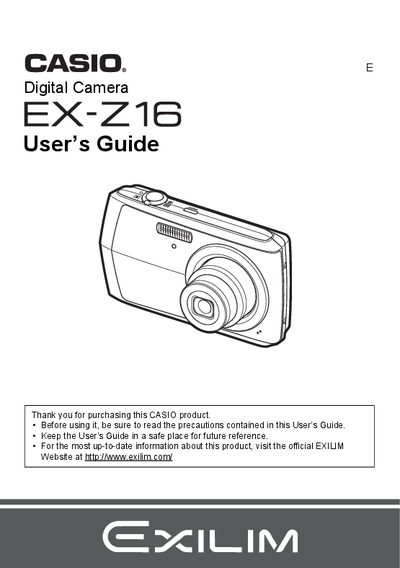
Casio EX-Z16 Digital Camera User's Guide
This document is the official User's Guide for the CASIO EX-Z16 digital camera. It provides comprehensive instructions on unpacking the device, charging the NP-80 battery, and configuring initial settings such as memory card formatting and date/time styles.
The guide details operation procedures including snapshot shooting with various modes like Face Detection and BEST SHOT, movie recording, and image playback features such as slideshow, red-eye correction, and DPOF printing. It also covers connecting the camera to computers for file transfer and managing settings via on-screen menus.
Casio EX-Z16 specifications
| Battery Type | Rechargeable lithium ion battery (NP-80) |
|---|---|
| Charger Model | BC-81L |
| Battery Rated Voltage | 3.7V |
| Battery Rated Capacitance | 700 mAh |
| Charger Input Power | 100 to 240 V AC, 45 mA, 50/60 Hz |
| Charger Output Power | 4.2V DC, 300 mA |
All Casio EX-Z16 documents by type
Day-to-day operation, settings and troubleshooting. Start here if the product is already set up.
Questions answered in these manuals
What is the rated voltage of the NP-80 battery?
The rated voltage for the rechargeable lithium ion battery (NP-80) is 3.7V.
How long does it take to fully charge the NP-80 battery?
The charging time for the rechargeable lithium ion battery (NP-80) is 210 minutes.
What battery is required for the Casio EX-Z16?
The camera requires a Rechargeable lithium ion battery (NP-80).
How long does it take to charge the NP-80 battery?
The charging time for the NP-80 battery is 210 minutes.