
Casio EX-Z19 Digital Camera User's Guide

This document is the user's guide for a CASIO digital camera. The guide includes information on product precautions, a list of accessories, and instructions for use.
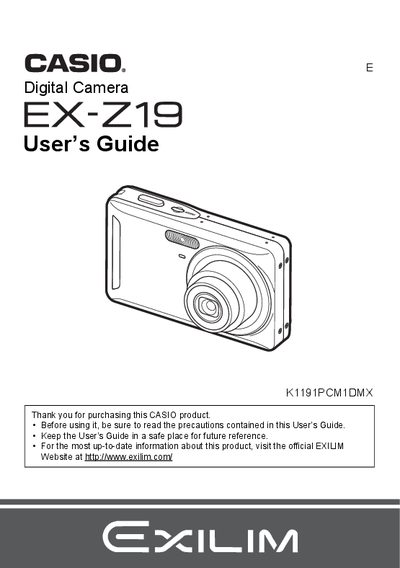

Casio EX-Z19 Digital Camera User's Guide - cover page
Brand
Casio
Category
Digital cameras
Document type
User Manual
Language
English
Pages
139
File format
PDF
File size
3.6 MB
Published
06 June, 2012
Updated
28 September, 2023
Model
EX-Z19
MD5 checksum
06D7696B37E3EF2457BF6EBDF172B563

About this manual

The Casio EX-Z19 is a digital camera designed for capturing snapshots and recording movies. This manual explains how to charge the NP-60 battery, load memory cards, and use various shooting modes such as Face Detection, Anti Shake, and BEST SHOT. It also details advanced settings like ISO sensitivity, white balance control, and image quality adjustments.

What's inside

  • Quick Start Basics
  • Snapshot Shooting
  • Recording Movie Images
  • Viewing Snapshots and Movies
  • Printing
  • Using the Camera with a Computer
  • Other Settings
  • Configuring Monitor Screen Settings
  • Precautions during Use
  • Specifications

Specifications

Battery TypeRechargeable lithium ion battery (NP-60)
Charger Input Power100 to 240 V AC, 80 mA, 50/60 Hz
Charging Time90 minutes

Frequently asked questions

What is the operating temperature range for the camera battery?

The operating temperature for the NP-60 battery is 0 to 40°C (32 to 104°F).

How long does it take to charge the NP-60 battery?

It takes approximately 90 minutes to fully charge the battery.

Download PDF (3.6 MB)

More Casio Manuals


View all Casio manuals →