
Key facts
- Brand
- Casio
- Model
- EX-Z1
- Category
- Digital cameras
- Industry
- Electronics
- Documents
- 3
- Languages
- EN · JA
- Last added
- 2012-06-06
Start here
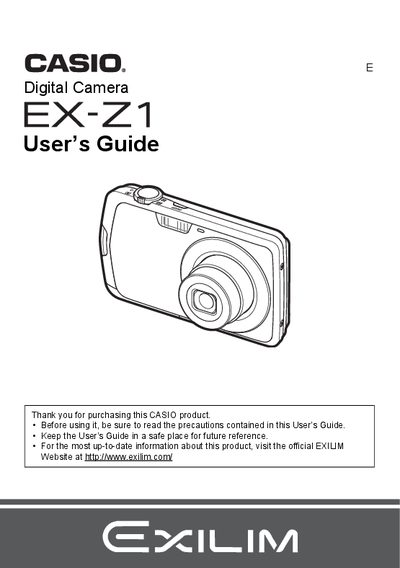
CASIO digital camera EX-Z1 users guide
This manual provides instructions for using the Casio EX-Z21 digital camera. It covers initial setup steps such as charging the NP-80 battery and loading a memory card. The guide details how to turn the camera on and off, take snapshots with various settings like flash and face detection, and record movies or audio.
Read onlineCasio EX-Z1 specifications
| Battery Type | Rechargeable lithium ion battery (NP-80) |
|---|---|
| Charger Model | BC-80L |
| Battery Voltage | 3.7V |
| Battery Capacity | 700 mAh |
| Charging Time | 100 minutes |
All Casio EX-Z1 documents by type
Day-to-day operation, settings and troubleshooting. Start here if the product is already set up.
Questions answered in these manuals
What is the operating temperature for the camera battery?
The operating temperature range for the NP-80 battery is 0 to 40°C (32 to 104°F).
What are the input power requirements for the charger?
The BC-80L charger accepts an input of 100 to 240 V AC, 80 mA, at 50/60 Hz.
How do I charge the EX‑Z1 battery?
Insert the NP‑80 lithium‑ion battery and connect the BC‑80L charger; a full charge takes about 100 minutes.
How can I connect the camera to a computer?
Use the supplied USB cable; the camera supports USB communication for file transfer.