
This manual introduces the functions and operation methods of the CASIO EXILIM K1191PCM2DMX camera.
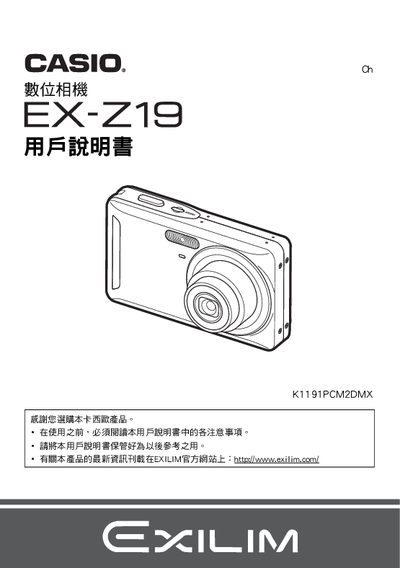
This manual guides users through unpacking, battery installation, charging, and initial setup of the Casio EX‑Z19 digital camera. It includes detailed instructions for configuring image settings, using shooting modes, and connecting the camera to a computer or printer.
Additional sections cover playback functions, video recording, printing via PictBridge, and a troubleshooting guide with common error messages and solutions. This manual is written in Japanese.
| Battery type | Lithium‑ion rechargeable (NP‑60) |
|---|---|
| Battery rated voltage | 3.7 V |
| Battery capacity | 20 mAh |
| Battery operating temperature | 0 °C to 40 °C |
| Charger input voltage | 100 V to 240 V AC, 50/60 Hz |
| Charger output voltage | 4.2 V DC |
| Charger output current | 600 mA |
| Charging time | ≈ 90 minutes |
| Charger dimensions | 60 mm × 20 mm × 86 mm (W × H × D) |
| Charger weight | ≈ 62 g |
Connect the battery to the BC‑60L charger; a full charge takes about 90 minutes.
The battery can be used from 0 °C up to 40 °C.
Use the supplied USB cable to connect the camera to a PC for file transfer.
Yes, the camera supports PictBridge; connect it to a compatible printer to print images.