
This document is a user guide for CASIO digital camera, providing information on precautions, unpacking contents, and CASIO's liability disclaimer.
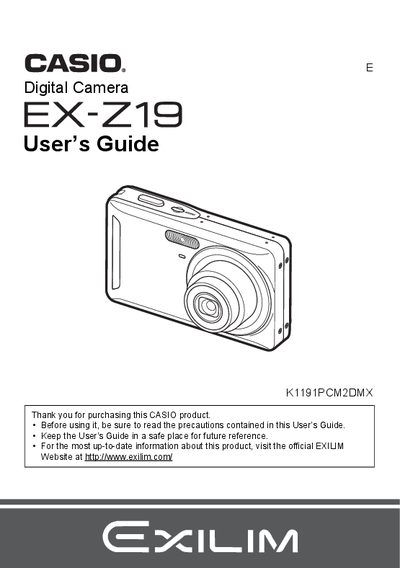
The Casio EX-Z19 is a compact digital camera that stores images on a memory card. This User's Guide explains how to charge the NP-60 battery, load the BC-60L charger, and prepare the camera for use by configuring display language and loading a memory card.
The guide details snapshot shooting techniques including auto focus restrictions, flash usage, face detection, and anti-shake features. It also covers advanced settings such as ISO sensitivity, white balance adjustment, image quality selection, and various playback functions like slideshow, DPOF printing, and file rotation.
The rated voltage for the rechargeable lithium ion battery (NP-60) is 3.7V.
It takes 90 minutes to fully charge the rechargeable lithium ion battery (NP-60).
The charger unit operates within a temperature range of 5 to 35°C (41 to 95°F).