
Key facts
- Brand
- Casio
- Model
- EX-Z12
- Category
- Digital cameras
- Industry
- Electronics
- Documents
- 2
- Languages
- EN · ZH
- Last added
- 2012-06-06
Start here
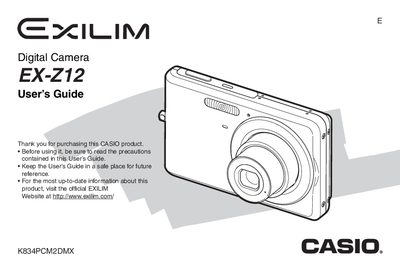
Casio EX-Z12 Digital Camera User's Guide
This document is the official User's Guide for the Casio EX-Z12 digital camera. It provides comprehensive instructions on unpacking the device, charging the NP-20 battery, and configuring initial settings such as display language and date/time.
The guide details operations for shooting snapshots and movies, including features like face recognition, continuous shutter, and various zoom modes. It also covers advanced image adjustments, file management, printing options, and transferring images to computers running Windows or Macintosh.
Casio EX-Z12 specifications
| Power Consumption | 3.7 V DC Approximately 4.0 W |
|---|---|
| Dimensions (Camera) | 95 (W) x 59 (H) x 19.8 (D) mm |
| Weight (Camera) | Approximately 118 g |
| Charging Time | Approximately 90 minutes |
All Casio EX-Z12 documents by type
Day-to-day operation, settings and troubleshooting. Start here if the product is already set up.
Questions answered in these manuals
What battery is included with the camera?
The bundled rechargeable lithium ion battery type NP-20.
How long does it take to fully charge the battery?
It takes approximately 90 minutes using the included charger BC-11L.