
Key facts
- Brand
- Casio
- Model
- EX-Z1200
- Category
- Digital cameras
- Industry
- Electronics
- Documents
- 4
- Languages
- EN · ZH
- Last added
- 2012-06-06
Start here
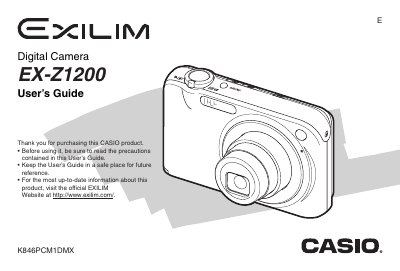
CASIO EX-Z1200 Manual
The document is a comprehensive user's guide for the Casio EX-21200 Digital Camera. It details unpacking procedures, battery charging using the NP-40 battery or CA-36 USB Cradle, and initial setup including language configuration and memory card usage.
The manual covers extensive operating instructions for capturing still images and movies, utilizing features such as face recognition, various focus modes (Auto, Macro, Manual), and flash settings. It also explains how to view, edit, and manage files on the camera or transfer them to a computer.
Casio EX-Z1200 specifications
| Battery Type | Rechargeable Lithium ion Battery (NP-40) |
|---|---|
| AC Adaptor Input Power | 100 to 240 V AC 50/60Hz |
| AC Adaptor Output Power | 5.3 V DC 650 mA |
| Battery Capacity | 1300 mAh |
Source: CASIO EX-Z1200 Manual
All Casio EX-Z1200 documents by type
Day-to-day operation, settings and troubleshooting. Start here if the product is already set up.
Questions answered in these manuals
What is the model number of this camera?
The model number for this digital camera is EX-21200.
From: CASIO EX-Z1200 Manual
How do I charge the battery?
You can charge the battery using the Special AC Adaptor (AD-C52G) or by connecting it to a USB Cradle (CA-36).
From: CASIO EX-Z1200 Manual