
This manual introduces basic operating methods for the Casio EX-Z1200 digital camera.
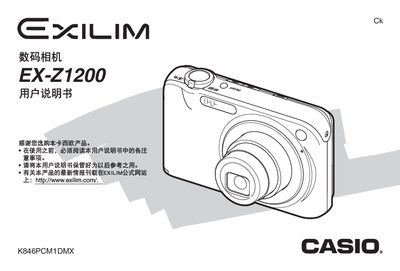
This manual guides you through unpacking the EX‑Z1200, installing the NP‑40 lithium‑ion battery, charging via the USB base, and configuring basic settings such as language, date, and storage media. It also covers essential functions like taking still photos, recording animations, and managing files on the camera or a computer.
Advanced chapters describe detailed shooting modes, focus options, exposure adjustments, image editing tools, and connectivity features. An appendix lists specifications, power requirements, and accessories, helping you get the most out of the camera. This manual is written in Chinese.