
This is a user manual for Casio EX-Z120 digital camera. The manual introduces the camera's various functions and usage methods.
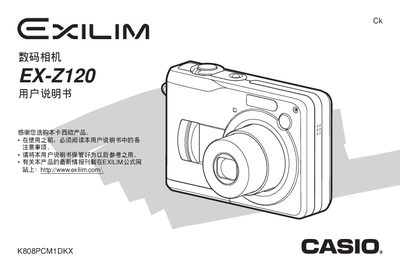
This manual explains how to operate the EX‑Z120, covering basic functions such as power on/off, shooting modes, playback, image settings, and battery handling. It also details advanced features like white‑balance, ISO sensitivity, best‑shot modes, and file management.
Technical information is provided for the LCD screen, power requirements, USB connectivity, battery type, memory card support, dimensions, and weight, along with safety warnings and accessory listings.
| LCD screen | 2.0‑inch TFT color, 84,960 pixels (334×240) |
|---|---|
| Power input | DC 3 V AC adapter |
| USB interface | USB 2.0 (full‑speed) |
| Dimensions | 90 mm × 60 mm × 27.2 mm (excluding protrusions) |
| Weight | 138 g (without battery and accessories) |
Open the battery compartment and replace the AA‑type rechargeable battery with a compatible HR‑3UF battery.
Use the built‑in USB 2.0 port to connect the camera to a computer for data transfer.
The camera has a 2.0‑inch TFT color LCD with a resolution of 84,960 pixels (334 × 240).