
This is a user guide for the CASIO EX-Z1000 digital camera. The document provides information about precautions, unpacking, quick start basics, and other important features and functions of the product.
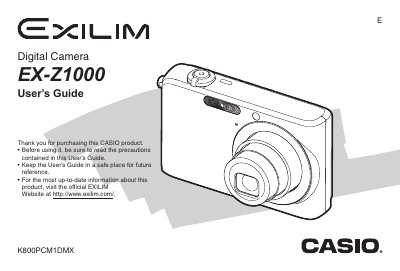
This manual provides comprehensive instructions for operating the Casio EX-Z1000 digital camera. It covers essential tasks such as unpacking, charging the NP-70 battery, loading memory cards, and configuring display settings. The guide details how to shoot snapshots and movies using various modes like Auto Focus, Macro, and Continuous Shutter.
| Input Power (AC Adaptor) | 100 to 240 V AC 50/60Hz 83 mA |
|---|---|
| Output Power (AC Adaptor) | 5.3 V DC 650 mA |
| AC Adaptor Dimensions | 50 (W) x 20 (H) x 70 (D) mm |
| AC Adaptor Weight | Approximately 90 g (3.2 oz) |
The package includes a Rechargeable Lithium Battery (NP-70).
The camera comes with a USB Cradle, Strap, CD-ROM, USB Cable, AV Cable, and Basic Reference.
You should visit the official EXILIM Website at http://www.exilim.com/.