
This manual introduces basic operations of the Casio EX-Z1000 digital camera.
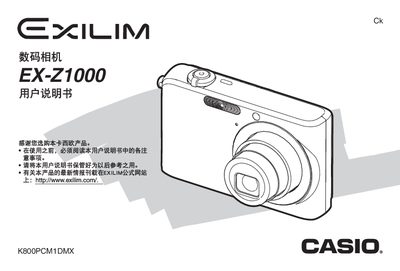
This manual covers everything you need to get started with the EX‑Z1000 camera, from unpacking the box and checking the included accessories to installing the NP‑40 lithium‑ion battery and charging it. It walks you through basic functions such as configuring the date and time, inserting a storage card, taking still photos, shooting animations, and managing files on the camera.
Advanced sections describe detailed shooting settings, focus modes, white‑balance control, image editing, and power‑management information. The appendix lists the camera’s technical specifications, power requirements, dimensions, and accessories, helping you understand the device’s capabilities and how to maintain it. This manual is written in Chinese.
| Image file format | JPEG (Exif 2.2), DCF 1.0, DPOF compatible |
|---|---|
| Record media | 8.0 MB internal memory, SD card, MultiMediaCard |
| Power consumption | 3.7 V DC, approx. 3.6 W |
| Dimensions (W×H×D) | 92.0 mm × 58.4 mm × 22.4 mm |
| Weight | ≈139 g (without battery and accessories) |
Open the battery cover, insert the NP‑40 battery, and close the cover.
The camera has 8 MB of internal memory and can use SD cards or MultiMediaCards.