
This is the user manual of the Panasonic EX-Z1000 digital camera, which introduces the features and characteristics of the camera and how to use it.
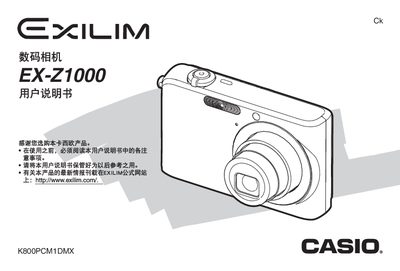
This manual guides users through unpacking the camera, installing the NP-40 lithium‑ion battery, charging procedures, and basic functions such as language setup, using storage cards, taking snapshots and animations, and reviewing files. It also covers safety notes and travel tips.
Advanced sections describe focus modes, white‑balance, ISO settings, image quality adjustments, editing tools, file management, printing options, and detailed specifications of power, dimensions, and accessories. An appendix provides a quick reference, troubleshooting guide, and regulatory information. This manual is written in Chinese.
| Product type | Digital camera |
|---|---|
| Model | EX-Z1000 |
| Image file format | JPEG (Exif Version 2.2) |
| Internal storage | 8.0 MB |
| Battery | NP-40, 1300 mAh |
| Dimensions (W×H×D) | 92.0 × 58.4 × 22.4 mm |
| Weight | ≈139 g |
| Power input (AC adapter) | 100‑240 V AC, 50/60 Hz |
Open the battery cover, insert the NP-40 battery, close the cover, and then charge the battery before first use.
The camera has an internal 8 MB storage and supports SD memory cards for additional storage.
The external AC adapter accepts 100 V to 240 V AC at 50/60 Hz.