
This manual explains how to use the CASIO EXILIM digital camera.
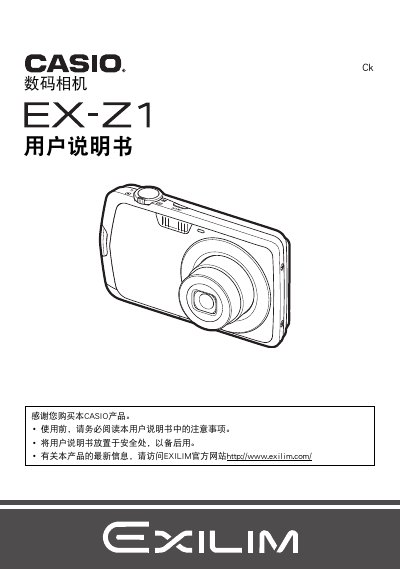
This user manual is for the Casio EX-Z1 digital camera. It explains how to charge and install the NP-80 battery, turn the camera on and off, shoot and review images, and delete files.
It also describes BEST SHOT modes, advanced shooting settings, playback and editing functions, printing through PictBridge or DPOF, connecting to Windows or Macintosh computers, Eye-Fi use, other settings, troubleshooting, and specifications. This manual is written in Chinese.
| Rechargeable battery | NP-80 |
|---|---|
| Battery rated capacity | 700 mAh |
| Charging time | 100 minutes |
| Charger input | 100 to 240 V AC, 80 mA, 50/60 Hz |
| Charger output | 4.2 V DC, 550 mA |
It uses the NP-80 rechargeable battery.
Charging takes 100 minutes.
The rated capacity is 700 mAh.
Yes, by connecting directly to a PictBridge-compatible printer or using DPOF.