
This user manual introduces the basic operations of the EXILIM digital camera.
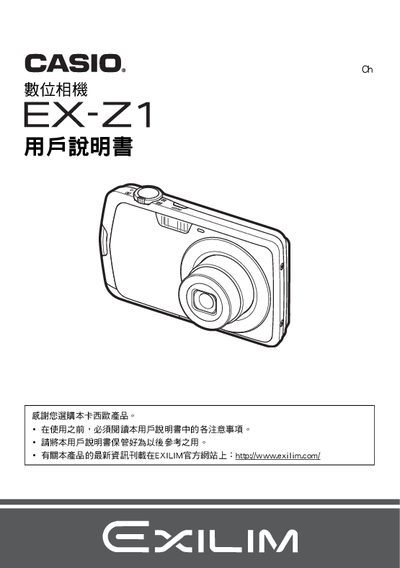
This manual begins with packaging inspection, listing the camera, NP‑80 lithium‑ion battery, BC‑80L charger, USB and AV cables, and CD‑ROM. It explains how to install the battery, connect accessories, and perform a quick test shot to verify proper operation.
The guide then covers basic functions such as power on/off, shooting modes, ISO, white balance, focus, continuous shooting, self‑timer, and image quality settings. It also details USB/AV connections, PictBridge printing, memory‑card management, date/time configuration, and troubleshooting steps. This manual is written in Japanese.
| Battery type | Lithium‑ion (NP‑80) |
|---|---|
| Battery rated voltage | 37 V |
| Battery capacity | 700 mAh |
| Battery operating temperature | 0 °C to 40 °C |
| Battery dimensions (W × H × D) | 31.4 mm × 39.5 mm × 5.9 mm |
| Battery weight | ≈19 g |
| Charger input voltage | 100‑240 V AC |
| Charger output voltage | 4.2 V DC |
| Charging time | ≈100 min |
| Charger dimensions (W × H × D) | 52 mm × 20 mm × 81 mm |
| Charger weight | ≈50 g |
Insert the NP‑80 lithium‑ion battery and connect the BC‑80L charger; a full charge takes about 100 minutes.
Use the supplied USB cable; the camera supports USB communication for file transfer.
Yes, use the DPOF printing function and a PictBridge‑compatible printer to print images without a computer.