
CASIO digital camera EX-Z1 users guide

This manual describes how to use the CASIO EXILIM Z5900 camera.
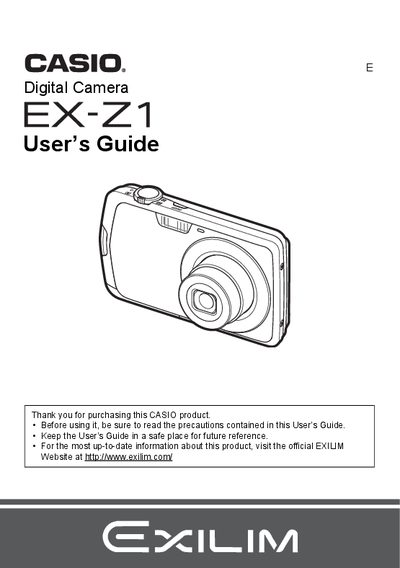

CASIO digital camera EX-Z1 users guide - cover page
Brand
Casio
Category
Digital cameras
Document type
User Manual
Language
English
Pages
148
File format
PDF
File size
3.8 MB
Published
06 June, 2012
Updated
30 September, 2023
Model
EX-Z1
MD5 checksum
D616CB7613320D9A92B8B04877BC7751

About this manual

This manual provides instructions for using the Casio EX-Z21 digital camera. It covers initial setup steps such as charging the NP-80 battery and loading a memory card. The guide details how to turn the camera on and off, take snapshots with various settings like flash and face detection, and record movies or audio.

What's inside

  • Unpacking
  • Quick Start Basics
  • Snapshot Shooting Precautions
  • Recording Movie Images and Audio
  • Viewing Snapshots and Movies
  • Printing
  • Using the Camera with a Computer
  • Other Settings (Set Up)
  • Configuring Monitor Screen Settings
  • Specifications

Specifications

Battery TypeRechargeable lithium ion battery (NP-80)
Charger ModelBC-80L
Battery Voltage3.7V
Battery Capacity700 mAh
Charging Time100 minutes

Frequently asked questions

What is the operating temperature for the camera battery?

The operating temperature range for the NP-80 battery is 0 to 40°C (32 to 104°F).

What are the input power requirements for the charger?

The BC-80L charger accepts an input of 100 to 240 V AC, 80 mA, at 50/60 Hz.

How long does it take to fully charge the battery?

It takes approximately 100 minutes to charge the NP-80 battery using the BC-80L charger.

Download PDF (3.8 MB)

More Casio Manuals


View all Casio manuals →