
Canon MF4150 Fax Machine User Guide

This guide covers installation, setup, and basic operation for the Canon MF4150 fax machine.
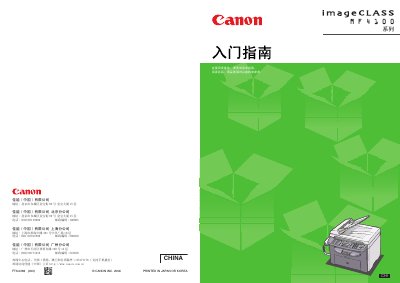

Canon MF4150 Fax Machine User Guide - cover page
Brand
Canon
Category
Fax machine
Document type
User Manual
Language
Chinese
Pages
18
File format
PDF
File size
2.8 MB
Published
15 October, 2026
Updated
15 October, 2026
Model
MF4150
MD5 checksum
A1C8021A797DA1B4D93456FE6065CA16

About this manual

This document serves as an introductory guide for the Canon MF4150 fax machine. It provides step-by-step instructions on installing the device, including removing packaging, loading toner cartridges, setting up paper trays, connecting phone lines and power cords, and powering on the unit. The guide also addresses common startup error messages. This manual is written in Chinese.

What's inside

  • Installing the Fax Machine
  • Loading Toner Cartridges
  • Setting Up Paper Trays
  • Connecting Phone Lines
  • Powering On the Unit
  • Setting Date and Time
  • Registering Sender Information

Frequently asked questions

What should I do if the display shows ?

Ensure the printer cover and scanner platen are correctly closed.

What should I do if the display shows ?

Ensure the toner cartridge is installed correctly.

What should I do if the display shows ?

Confirm that paper has been loaded into the fax machine.

Download PDF (2.8 MB)

More Canon Manuals


View all Canon manuals →