
Key facts
- Brand
- Canon
- Model
- MD120
- Category
- Camcorders
- Industry
- Electronics
- Documents
- 3
- Languages
- ZH
- Last added
- 2000-01-01
Start here
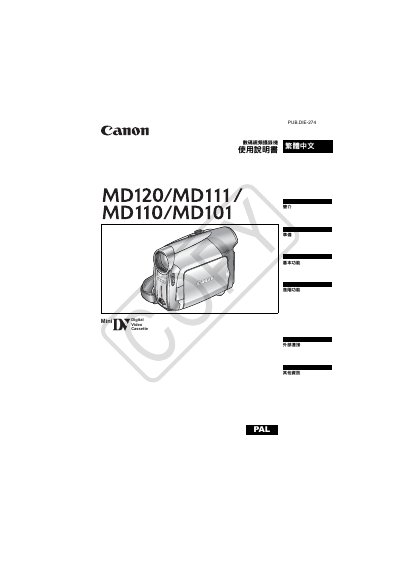
Canon MD120/MD111/MD110/MD101 Digital Video Camcorder Owner's Manual
This manual provides operating instructions for the Canon MD120, MD111, MD110, and MD101 MiniDV camcorders. It includes safety warnings, descriptions of supplied accessories, part names, screen displays, and step‑by‑step guidance for charging the battery, inserting cassettes, adjusting the LCD, and using the menu system.
The guide details basic recording and playback functions, advanced settings such as exposure, focus, white balance, and digital effects, as well as audio recording modes. It also explains how to connect the camcorder to a TV, VCR, or computer for playback and dubbing, and includes a troubleshooting section, message list, maintenance tips, and specifications for the camcorder, compact power adapter CA‑590E, and BP‑2L5 battery pack. This manual is written in Chinese.
Canon MD120 specifications
| Image Sensor | 1/6-inch CCD, approx. 800,000 pixels effective pixels |
|---|---|
| Screen Size | 2.7 inch wide screen TFT color approx. 112,000 pixels |
| Battery Type | Rechargeable lithium-ion battery |
Source: PUB.DIC-057 PAL Mini Digital Video Camera User Manual
All Canon MD120 documents by type
Day-to-day operation, settings and troubleshooting. Start here if the product is already set up.
Questions answered in these manuals
What should I do if the image shows mosaic or bands during playback?
Clean the video heads using a Canon DVM-CL digital video head cleaning tape or a dry cleaning tape available on the market.
Can I use wet cleaning tapes to clean the video heads?
No, do not use wet cleaning tapes as they may damage the camera.
Which power adapter can be used with the camera?
Only the CA‑590E small power adapter should be used; other adapters may damage the camera.
From: Canon MD120/MD111/MD110/MD101 Digital Video Camera User Manual
What is the maximum recording time on a standard tape?
A standard tape records up to 60 minutes in SP mode and 90 minutes in LP mode.
From: Canon MD120/MD111/MD110/MD101 Digital Video Camera User Manual
How do I clean the video heads?
Use a Canon DVM‑CL digital video head cleaning cassette or a commercially available dry cleaning cassette.
From: Canon MD120/MD111/MD110/MD101 Digital Video Camcorder Owner's Manual
What is the operating temperature range for the camcorder?
The camcorder operates from 0 °C to 40 °C.
From: Canon MD120/MD111/MD110/MD101 Digital Video Camcorder Owner's Manual