
Key facts
Start here
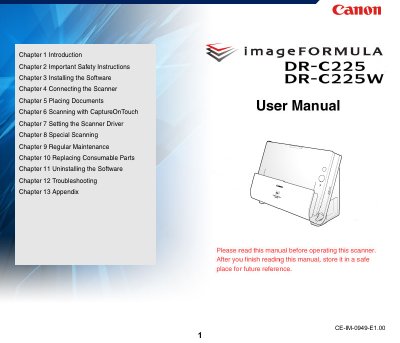
Canon imageFORMULA DR-C225/C225W Document Scanner User Manual
This manual provides instructions for the Canon imageFORMULA DR-C225/C225W Document Scanner. It covers features such as compact design, fast document feeding up to 25 pages per minute, and high image quality with 600 dpi optical resolution. The device supports various scanning modes including single-sided, double-sided, and card scanning, as well as special functions like folio scan and auto color detection.
Read onlineCanon DR-C225 specifications
| Scanning Speed | up to 25 ppm |
|---|---|
| Optical Resolution | 600 dpi |
| Interface | USB 2.0 |
| Color Support | 24-bit color or 256-level grayscale |
Source: Canon imageFORMULA DR-C225/C225W Document Scanner User Manual
All Canon DR-C225 documents by type
Day-to-day operation, settings and troubleshooting. Start here if the product is already set up.
Questions answered in these manuals
What is the scanning speed of the Canon imageFORMULA DR-C225/C225W?
The scanner can scan documents at a speed of up to 25 pages per minute when scanning A4 size documents at 200 dpi.
From: Canon imageFORMULA DR-C225/C225W Document Scanner User Manual
Does the scanner support Wi-Fi?
Yes, the DR-C225W model supports Wi-Fi connectivity to operate the scanner and load documents from a PC or other device wirelessly.
From: Canon imageFORMULA DR-C225/C225W Document Scanner User Manual
What is the maximum scanning speed?
The scanner scans up to 25 pages per minute for A4-size one- or double-sided documents at 300 dpi.
Which model supports Wi-Fi transmission?
Wi-Fi transmission is available on the DR-C225W II only.