
This document is the user manual for the PUB.DIC-057 PAL Mini Digital Video Camera. It provides information about the basic functions, advanced features, external connections, and cleaning of the video camera.
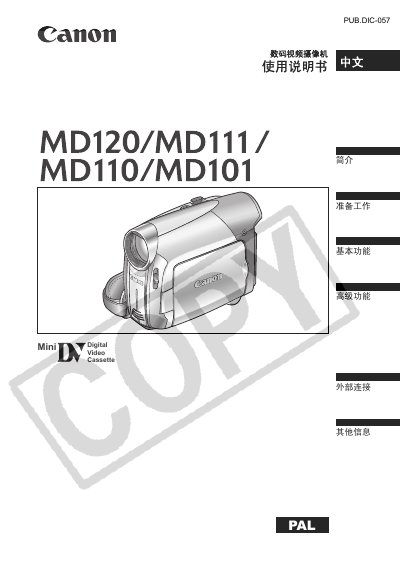
This document is the user manual for the Canon MD120, MD111, MD110, and MD101 Mini Digital Video Cassette cameras. It serves as a guide to help users correctly operate the device, from initial preparation to advanced functions.
The manual details how to prepare the camera, including charging batteries and inserting tapes. It explains basic operations such as recording video images, using zoom controls, and playing back footage. Furthermore, it covers advanced settings like menu options for image stabilization, audio modes, and various scene programs (e.g., Beach, Sunset, Fireworks). The guide also includes instructions for connecting the camera to televisions or computers via AV or DV terminals. This manual is written in Chinese.
| Image Sensor | 1/6-inch CCD, approx. 800,000 pixels effective pixels |
|---|---|
| Screen Size | 2.7 inch wide screen TFT color approx. 112,000 pixels |
| Battery Type | Rechargeable lithium-ion battery |
Clean the video heads using a Canon DVM-CL digital video head cleaning tape or a dry cleaning tape available on the market.
No, do not use wet cleaning tapes as they may damage the camera.
The longest recording time for a 60-minute tape in SP mode is 60 minutes.