
Key facts
Start here
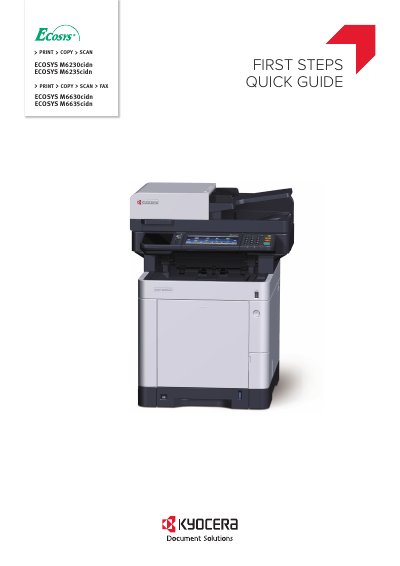
Canon ECOSYS M6230cidn/M6235cidn/M6630cidn/M6635cidn Quick Start Guide
This document serves as a Quick Start Guide for the Canon ECOSYS M6230cidn, M6235cidn, M6630cidn, and M6635cidn multifunction printers. It explains basic operations such as printing, copying, scanning, and faxing, and directs users to the Operation Guide on the Product Library disc for more detailed information.
The guide covers essential initial setup steps, including unpacking the device, connecting the toner container, connect cable, network, and USB cables, loading paper, and replacing the operation panel sheet. It also details the Startup Wizard process that runs upon the first power-on to configure language, date/time, and network settings.
All Canon M6635cidn documents by type
The shortest path to a working setup, usually only a few pages.
Day-to-day operation, settings and troubleshooting. Start here if the product is already set up.
Questions answered in these manuals
What does the machine do?
It prints, copies, scans, and can fax.
From: Canon ECOSYS M6230cidn/M6235cidn/M6630cidn/M6635cidn Quick Start Guide
What does the machine do when powered on for the first time?
It runs a Startup Wizard to set language, date/time, and network.
From: Canon ECOSYS M6230cidn/M6235cidn/M6630cidn/M6635cidn Quick Start Guide
What is the purpose of this guide?
This Operation Guide is intended to help you operate the machine correctly, perform routine maintenance and take a simple troubleshooting action as necessary, so that you can always use the machine in good condition.
From: User Manual of Canon ECOSYS M6630cidn ECOSYS M6635cidn Printer
What does the guide cover?
The guide covers legal and safety information, how to use the fax machine, sending and receiving faxes, convenient fax functions, sending from a PC, managing jobs, fax settings, troubleshooting, and appendix topics like specifications.
From: User Manual of Canon ECOSYS M6630cidn ECOSYS M6635cidn Printer