
This document is about the user manual of PUB.DIC-057 PAL digital video camera. It introduces the basic functions and advanced functions of the camera, as well as the methods and precautions for cleaning the video head.
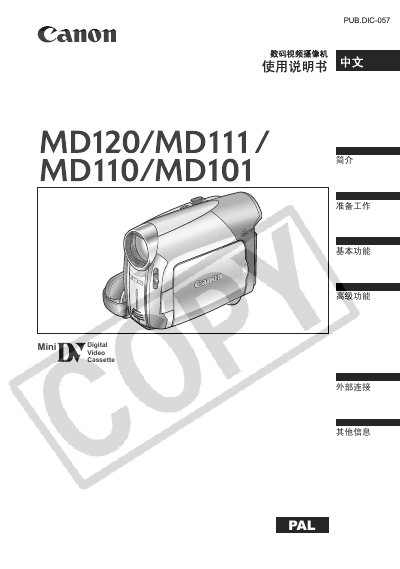
This manual explains how to prepare and operate the Canon MD120/MD111/MD110/MD101 digital video camera, covering everything from battery charging and tape handling to menu navigation and advanced recording settings. It includes safety warnings, cleaning procedures, and troubleshooting tips to keep the camera functioning reliably.
Detailed sections describe the camera's accessories, LCD screen adjustments, video and audio configuration, external connections to TVs or computers, and specifications such as lens, sensor, and power requirements. The guide also lists optional accessories and provides a comprehensive index for quick reference. This manual is written in Chinese.
| Video Tape Speed (SP) | 18.83 mm/s |
|---|---|
| LCD Screen Size | 2.7 inch TFT color |
| Lens Focal Length | f=2.6‑91 mm |
| Image Sensor | 1/6‑inch CCD, ~800,000 pixels |
| Audio Sampling | 16‑bit, 48 kHz, stereo |
Only the CA‑590E small power adapter should be used; other adapters may damage the camera.
A standard tape records up to 60 minutes in SP mode and 90 minutes in LP mode.