
This file is a quick start guide for Canon ECOSYS M6230cidn ECOSYS M6235cidn PRINT COPY SCAN ECOSYS M6630cidn ECOSYS M6635cidn PRINT COPY SCAN FAX product.
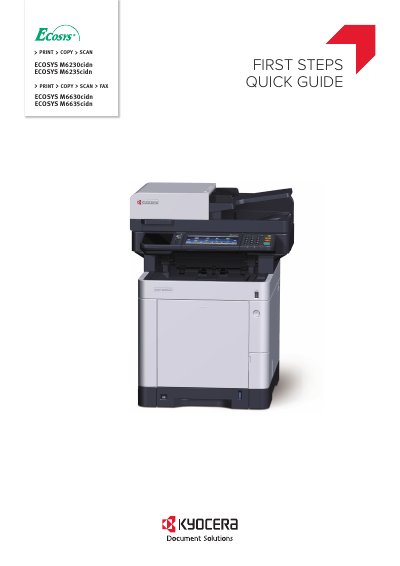
This document serves as a Quick Start Guide for the Canon ECOSYS M6230cidn, M6235cidn, M6630cidn, and M6635cidn multifunction printers. It explains basic operations such as printing, copying, scanning, and faxing, and directs users to the Operation Guide on the Product Library disc for more detailed information.
The guide covers essential initial setup steps, including unpacking the device, connecting the toner container, connect cable, network, and USB cables, loading paper, and replacing the operation panel sheet. It also details the Startup Wizard process that runs upon the first power-on to configure language, date/time, and network settings.
It prints, copies, scans, and can fax.
It runs a Startup Wizard to set language, date/time, and network.
Follow the instructions on the operation panel.