
This document is an introductory guide for the LASER SHOT LBP3460 printer, which includes installation steps, toner cartridge installation, paper loading, cable connection, and printer operation.
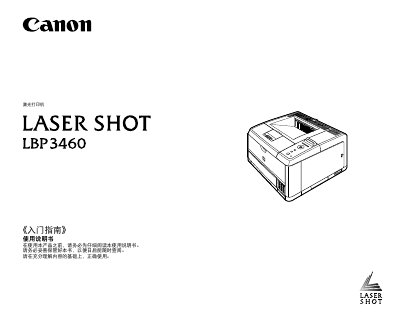
This document is the Getting Started Guide for the Canon LASER SHOT LBP3460 printer. It covers the initial setup process, including unpacking the device, installing the toner cartridge, loading paper, and connecting the printer to a computer via USB or network cables. It also details how to open the printer, register paper sizes, and print a configuration page to verify operation.
The guide includes instructions for installing optional accessories such as the Document Feeder and additional RAM. It provides important safety precautions regarding the installation environment, including temperature, humidity, and ventilation requirements to prevent damage or fire hazards. Additionally, it offers troubleshooting steps for common issues where the printer does not operate correctly. This manual is written in Chinese.
The printer requires a power rated voltage range of 220-240 V(± 10%).
The maximum power consumption of the printer is 1300 W or lower.
The environment must be between 10-32.5 degrees Celsius (50-90.5 Fahrenheit) with 20-80% RH humidity.