
Key facts
- Brand
- Canon
- Model
- IR2022
- Documents
- 3
- Languages
- EN · ZH
- Last added
- 2023-11-02
Start here
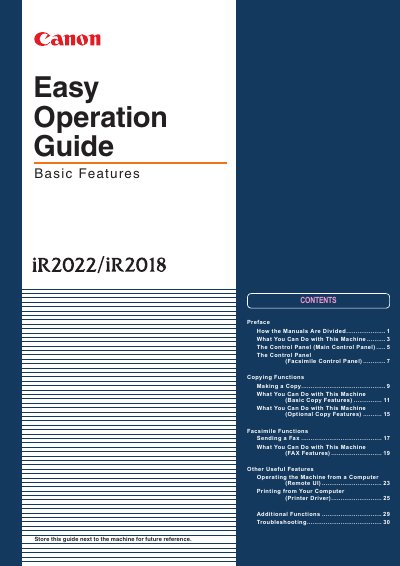
Canon iR2022/iR2018 Multifunction Copier Easy Operation Guide
This Easy Operation Guide covers basic features of the Canon iR2022/iR2018 digital multitasking machine, including copying, faxing, printing from a computer, remote operation, additional functions, and troubleshooting.
It explains the main and facsimile control panels and common tasks such as enlarging or reducing copies, collating and stapling, two-sided copying, sending faxes, and checking machine status.
All Canon IR2022 documents by type
Disassembly, diagnostics and part numbers, for repair.
Day-to-day operation, settings and troubleshooting. Start here if the product is already set up.
Questions answered in these manuals
What optional board is required to use the fax function?
The optional Super G3 FAX Board is required.
From: Canon iR2022/iR2018 Multifunction Copier Easy Operation Guide
What is required to enable the PCL Printer function?
The optional PCL Printer Kit is required.
From: Canon iR2022/iR2018 Multifunction Copier Easy Operation Guide
Who should use this repair manual?
It is intended for qualified personnel to study the product’s technical theory, installation, maintenance, and repair.
From: CANON iR2030/2025/2022/2018 series iR2018i/2022i repair manual