
Key facts
- Brand
- Canon
- Model
- IXUS105
- Category
- Digital cameras
- Industry
- Electronics
- Documents
- 3
- Languages
- ZH
- Last added
- 2012-03-20
Start here
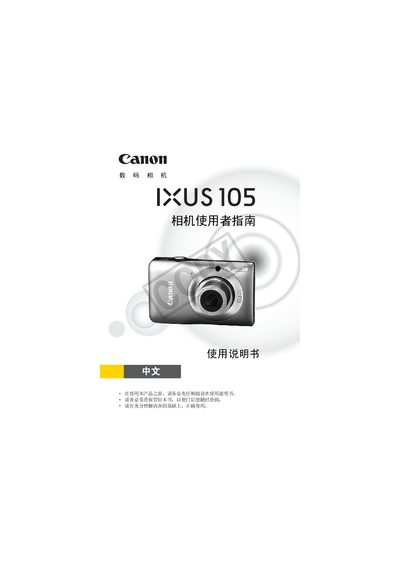
Canon IXUS 105 Camera User Manual
This manual guides users through the basic operation of the Canon IXUS 105 digital camera, covering everything from unpacking and checking package contents to using various shooting modes and printing photos. It also includes detailed explanations of menu functions, battery handling, and storage card usage.
Additional sections cover advanced features such as ISO adjustment, exposure lock, red‑eye correction, and video recording, as well as maintenance advice, warranty information, and legal notices. This manual is written in Chinese.
Canon IXUS105 specifications
| Battery type | NB-6L |
|---|---|
| Interface cable model | IFC-400PCU |
| Supported storage card format | SDXC |
All Canon IXUS105 documents by type
Day-to-day operation, settings and troubleshooting. Start here if the product is already set up.
Questions answered in these manuals
Does the camera come with a memory card?
No, the packaging does not include a memory card.
Is Canon liable if the camera fails to record images?
Canon, its subsidiaries, affiliates, and dealers are not responsible for any loss caused by camera or accessory failures.
Is it normal for the camera body to become warm during extended use?
Yes, the camera body may become warm after long operation; this is not a fault.
How can I protect my photos from accidental deletion?
Use the “protect photo” function to prevent accidental deletion of images.
Does the camera come with a memory card?
No, the packaging does not include a memory card.
What should I do if the camera does not record images?
First, take test shots and play them back to confirm recording; if the camera or accessories fail, Canon is not liable for any loss.