
This document is the user manual for PUB.DIC-074 PAL HD camera, which introduces the basic functions, advanced functions, and editing functions of the camera, as well as notes and safety instructions.
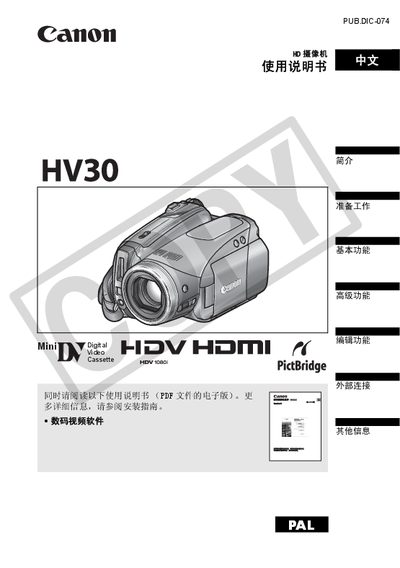
This manual provides detailed instructions for the Canon HV30 camcorder, covering everything from initial preparation and battery charging to recording video and still images. It includes safety warnings, component descriptions, and guidance on using the optional accessories supplied with the camera.
The document is organized into sections such as Introduction, Accessories, Parts Guide, Screen Display, Preparation, Basic Functions, Advanced Functions, Editing Functions, External Connections, and Troubleshooting. Each section explains menu options, button functions, and settings for features like HDV recording, image stabilization, and language selection. This manual is written in Chinese.
| Power adapter | CA-570 small power adapter |
|---|---|
| Battery | WL‑D87 rechargeable battery |
| Remote control battery | CR2025 lithium button cell |
Unplug the main power plug from the wall outlet; the plug acts as a power‑off switch.