
Key facts
Start here
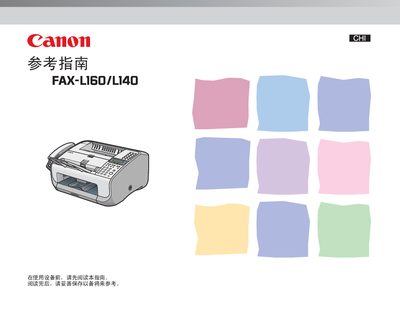
Canon FAX-L160/L140 User Manual
This manual explains how to install and configure the Canon FAX-L160/L140 fax machine, covering initial setup, connection of telephone lines, and loading of paper and envelopes. It also describes the basic functions for sending and receiving faxes, managing the address book, and adjusting settings.
Additional sections cover routine maintenance, troubleshooting common issues, and detailed reference tables for quick access to functions such as the single‑touch quick‑send button and envelope loading procedures. This manual is written in Chinese.
Canon FAX-L160 specifications
| Paper Tray Capacity | 150 sheets (A4) |
|---|---|
| Toner Cartridge Life (Normal Mode) | Approx. 2,000 pages |
| Toner Cartridge Life (Eco Mode) | Approx. 3,000 pages |
| Warm-up Time | Approx. 12 seconds |
| Power Consumption (Max) | Approx. 700W |
| Weight | Approx. 9Kg |
| Dimensions | 400mm x 386mm x 221mm |
| Copy Speed | 12 pages/minute |
| First Copy Time | < 23 seconds |
| Copy Resolution | 300dpi x 300dpi |
| Print Speed | 14 pages/minute (A4) |
| Print Resolution | 600dpi x 600dpi |
| Memory Capacity | 340 pages |
| Modem Speed | 33,600 bps |
| Fax Transmission Speed | Approx. 3 seconds/page |
All Canon FAX-L160 documents by type
Day-to-day operation, settings and troubleshooting. Start here if the product is already set up.
Questions answered in these manuals
Which model supports the printing function?
Only the FAX‑L160 model provides printing capability.
From: Canon FAX-L160/FAX-L160G/FAX-L140/FAX-L140G Printer User Manual
How should the printer be unpacked before installation?
Remove all packaging materials and protective bands from the unit before proceeding.
From: Canon FAX-L160/FAX-L160G/FAX-L140/FAX-L140G Printer User Manual
What is the paper capacity of the Canon FAX-L160?
The paper tray holds 150 sheets of A4 paper.
What is the print speed of the Canon FAX-L160?
The print speed is 14 pages per minute on A4 paper.