
Canon FAX-L160/L140 User Manual

This is a user manual of Canon FAX-L160 multifunction device, introducing the product's features and usage methods
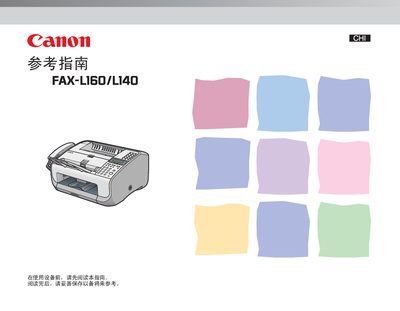

Canon FAX-L160/L140 User Manual - cover page
Brand
Canon
Category
Printer
Document type
User Manual
Language
Japanese
Pages
169
File format
PDF
File size
3.4 MB
Published
21 March, 2012
Updated
30 September, 2023
Models
FAX-L160, L140
MD5 checksum
995B1D700F7D7950A23B5BCC59763218

About this manual

This manual provides instructions for using the Canon FAX-L160/L140 fax machine, including setup, operation, and troubleshooting. It covers features like sending and receiving faxes, managing contacts, and adjusting print settings. The guide is written in Japanese and includes diagrams and step-by-step procedures for common tasks.

What's inside

  • Using the Machine Before Operation
  • How to Use This Guide
  • Machine Components
  • Operation Panel
  • LCD Display
  • Fax Transmission
  • Receiving Faxes
  • Managing Contacts
  • Print Settings
  • Troubleshooting

Frequently asked questions

How can users adjust the brightness of faxes sent or received on the Canon FAX-L160/L140?

Users can adjust the brightness of the fax images according to their requirements.

Download PDF (3.4 MB)

More Canon Manuals


View all Canon manuals →