
This is an EOS DIGITAL REBEL/EOS 300D DIGITAL camera manual, which introduces the features and operation methods of the camera
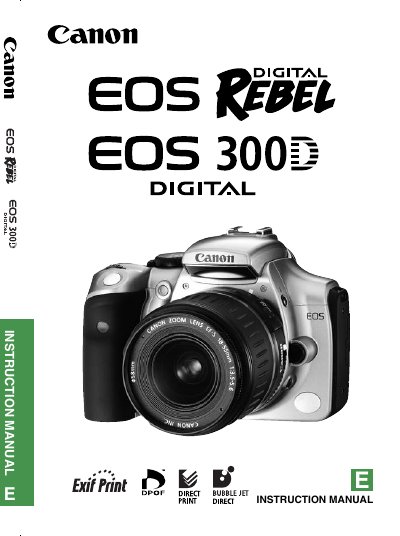
This manual covers everything you need to operate the EOS 300D, from basic shooting modes and menu navigation to lens mounting, battery handling, and image playback. It includes a detailed equipment checklist, safety warnings, and step‑by‑step procedures for installing batteries, CF cards, and accessories.
The guide also contains technical specifications such as sensor type, effective pixel count, viewfinder details, and compatible lenses, as well as troubleshooting tips and FCC compliance information.
| Camera type | Digital, single‑lens reflex, AF/AE with built‑in flash |
|---|---|
| Recording medium | Type I and II CompactFlash (CF) cards |
| Image sensor | High‑sensitivity, large CMOS sensor |
| Effective pixels | Approx. 6.30 megapixels (3088 × 2056) |
| Viewfinder type | Pentamirror, eye‑level |
| AF points | 7 |
| Compatible lenses | Canon EF and EF‑S lenses |
The camera records images on Type I or Type II CompactFlash (CF) cards.
It has approximately 6.30 megapixels (3088 × 2056).
The camera works with all Canon EF and EF‑S lenses.
Insert the BP‑511 battery pack into the battery compartment with the correct polarity, then close the cover.