
This camera is equipped with three shooting modes to meet various needs. It has high-quality image and digital zoom capabilities, built-in storage and USB transfer functions, and is suitable for fast continuous shooting and playback functions.
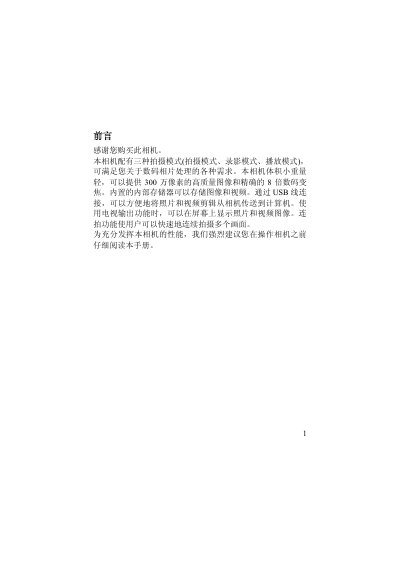
This manual provides step‑by‑step instructions for setting up and using the Canon EOS 300D digital camera. It covers everything from unpacking the kit and installing batteries to configuring language settings and formatting storage media.
The guide also details the camera’s key functions such as flash modes, digital zoom, self‑timer, continuous shooting, and how to transfer images via USB or TV output. An appendix lists default settings and LED status indicators for quick reference. This manual is written in Chinese.
| Maximum resolution | 3072x2304 |
|---|---|
| Sensor | 3.1 MP CMOS |
| Lens aperture | F3.0 |
| Digital zoom | 8× |
| Internal memory | 16 MB |
| Storage medium | SD/MMC card |
| Video frame rate | 30 fps @ VGA |
| Dimensions (W×H×D) | 86 mm × 55 mm × 25 mm |
| Battery type | 2 × AAA alkaline or rechargeable |
The flash button cycles through three modes: forced off, forced on, and automatic.
Connect the camera to the PC with the provided USB cable; the camera will appear as a storage device for file transfer.