
Key facts
Start here
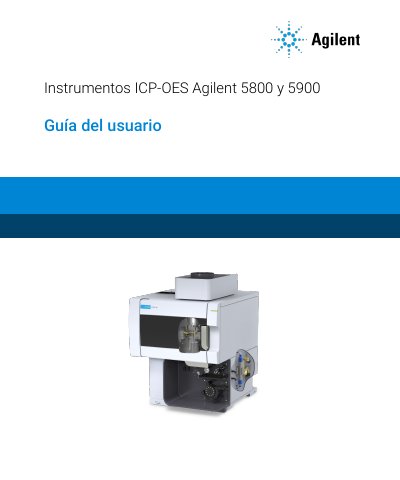
Agilent 5800 and 5900 ICP-OES Instruments User Guide
This is the user guide (Guía del usuario) for the Agilent 5800 and 5900 ICP-OES instruments, manual part number G8020-95002, first edition October 2019, published by Agilent Technologies. The document is written in Spanish and applies to both instruments unless otherwise stated.
The guide covers safety hazards and safe working practices, site preparation requirements (argon supply, exhaust system, cooling air, water chiller and drain container), installation and connection to the ICP Expert software, torch assembly and removal, accessories such as the SPS 4 autosampler and AVS valve systems, operating procedures including ignition, worksheet creation, method development and shutdown, and routine maintenance, torch cleaning and troubleshooting.
Agilent 5900 ICP-OES specifications
| Plasma temperature | approx. 10,000 °C |
|---|---|
| Work coil operating voltage | 1,500 Vrms |
| Work coil operating frequency | approx. 27 MHz |
All Agilent 5900 ICP-OES documents by type
Day-to-day operation, settings and troubleshooting. Start here if the product is already set up.
Questions answered in these manuals
What is the manual number and edition of this Agilent 5800/5900 ICP-OES guide?
It is manual number G8020-96002, 1st edition, dated October 2019.
Does this guide cover both the 5800 and 5900 ICP-OES?
Yes, unless otherwise specified, the statements in the guide apply to both the Agilent 5800 and 5900 ICP-OES instruments.
When must the plasma be switched off before opening the torch compartment?
Always switch off the plasma before opening the torch compartment door, either by pressing Shift + F5 on the keyboard or clicking the "Plasma off" icon in the ICP Expert software toolbar.
How long does the torch stay hot after the plasma is switched off?
The torch and the adjacent area remain hot for up to five minutes after the plasma is switched off, so let them cool or use heat-resistant gloves before working in that area.